E-shop & ERP
E-shop ERP integration for stock, prices and orders
One source of truth for stock and prices
When the e-shop and the ERP do not talk to each other, someone in the business does the integration by hand: updating prices in two places, correcting stock when something sells in the physical shop, and re-entering every online order into the commercial software. The mistakes show quickly: products sold that are not in stock, prices that differ, customers recorded twice.
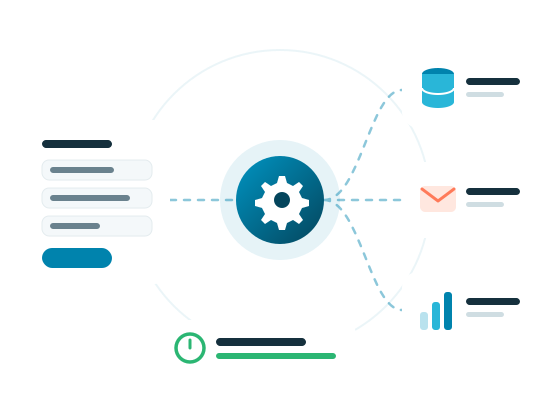
We build the e-shop ERP integration through the APIs, web services or files your software provides. We agree with you which data comes from the ERP (codes, stock, prices, price lists) and which the e-shop sends back (orders, customers), and how often the sync runs. The ERP stays the central record, and the store follows it.
We work with WooCommerce and custom e-shops, and the same data can also feed your Skroutz XML, your courier integration or your myDATA connection. Every sync is logged, so if a product or an order does not go through, the reason is visible immediately. We host and monitor the integration on our own servers, and if something changes in the ERP or the store, we adapt it as part of maintenance so the figures keep matching.
What's included
- Analysis of the data and flow between e-shop and ERP
- Stock and price sync from the ERP
- E-shop orders transferred to the ERP
- Customer sync without duplicate records
- Mapping of codes, categories and variations
- Logging of every sync and its errors
- Hosting, monitoring and support in Greek
What the ERP integration does
Stock in sync
Available stock comes from the ERP, so the e-shop does not sell what has already left the warehouse.
Prices and price lists
Prices change once in the ERP and flow to the store, including special price lists where needed.
Orders into the ERP
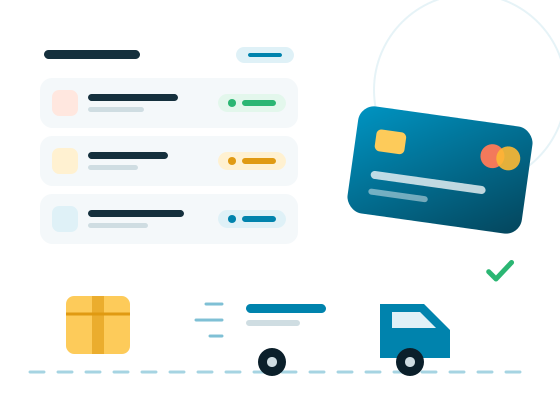
Every online order is recorded in the commercial software with the right items, quantities and customer details.
Customers in one place
E-shop customers are matched with those in the ERP, with no duplicate records for the same person.
Scheduled sync
The sync runs automatically at intervals agreed with you, depending on how often your data changes.
History and errors
Every sync is logged, and anything that did not go through is shown with its reason so it can be fixed quickly.
How we work
From first call to live, in five steps
The same process whether it is a five-page website or a platform your whole company runs on. What changes is the depth of each step, not the order.
FAQ
E-shop ERP integration — common questions
Prefer to talk it through? Call us or send a short message — we reply within one business day.
+30 210 60 30 927Related solutions
Start a project
Connect your e-shop to your ERP
Tell us which ERP you use and what you need kept in sync. We reply within one business day.
We reply within one business day.